// Setup Guide
Up and running
in 2 minutes.
Follow the steps below. Click each step to expand it. You'll never think about recruiter spam again.
Go to the Google Workspace Marketplace listing for Recruiter Spam Filter. Click the blue Install button in the top right.
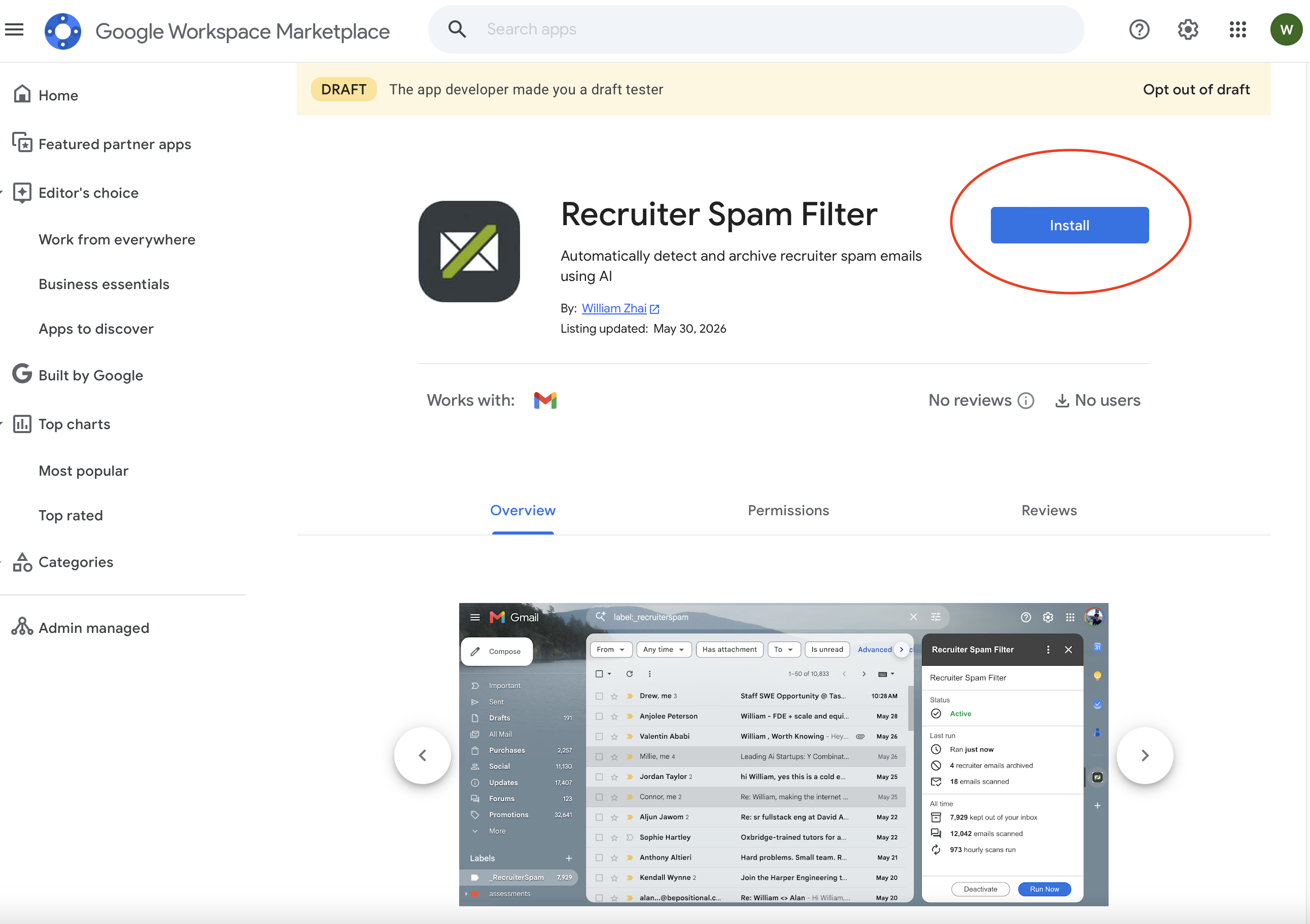
Use the Google account with the Gmail inbox you want to filter.
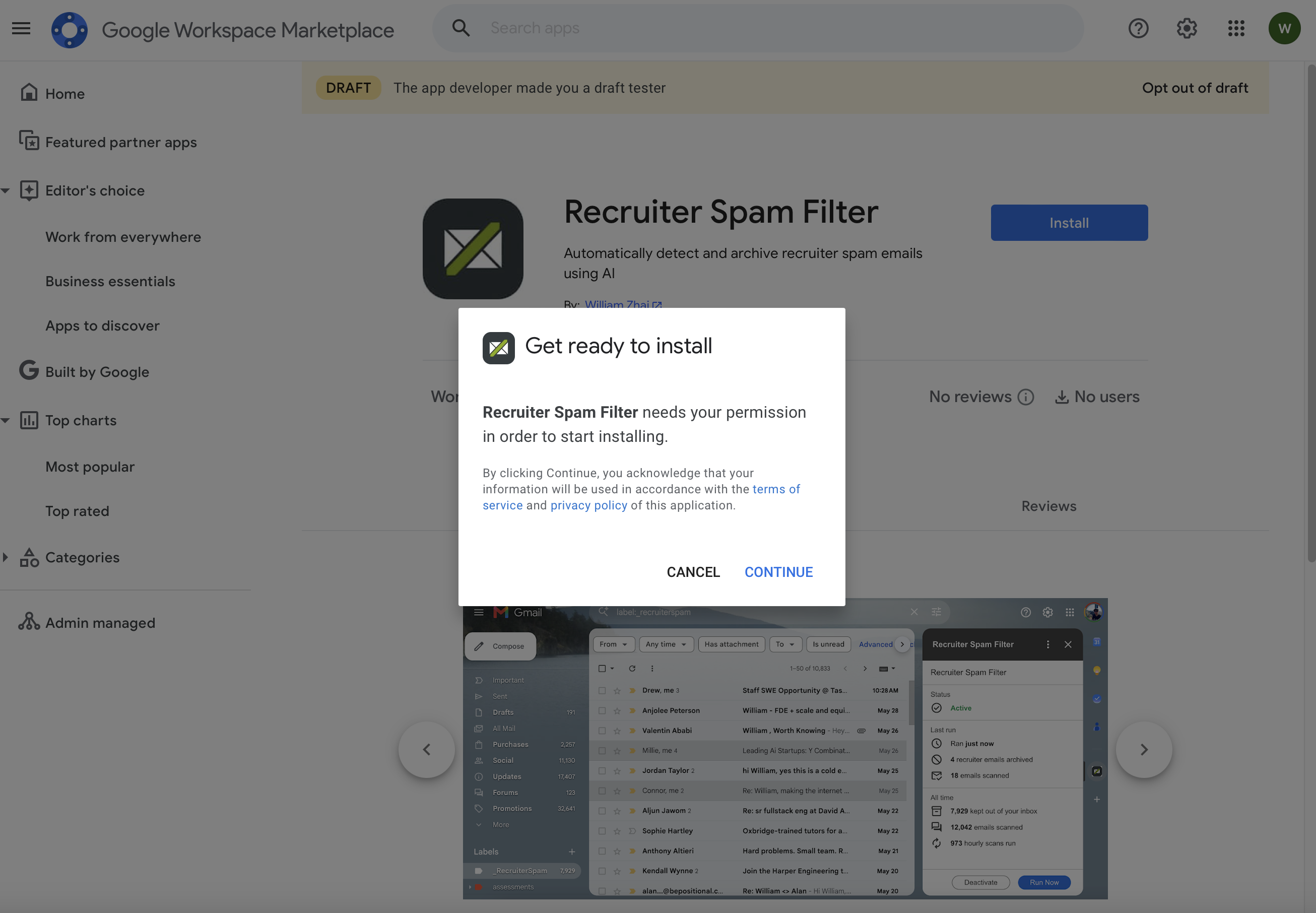
A dialog will appear asking for permission to start installing. Click Continue.
You'll see a screen saying "Google hasn't verified this app." This is a standard notice for apps still going through Google's verification process — not a sign anything is wrong.
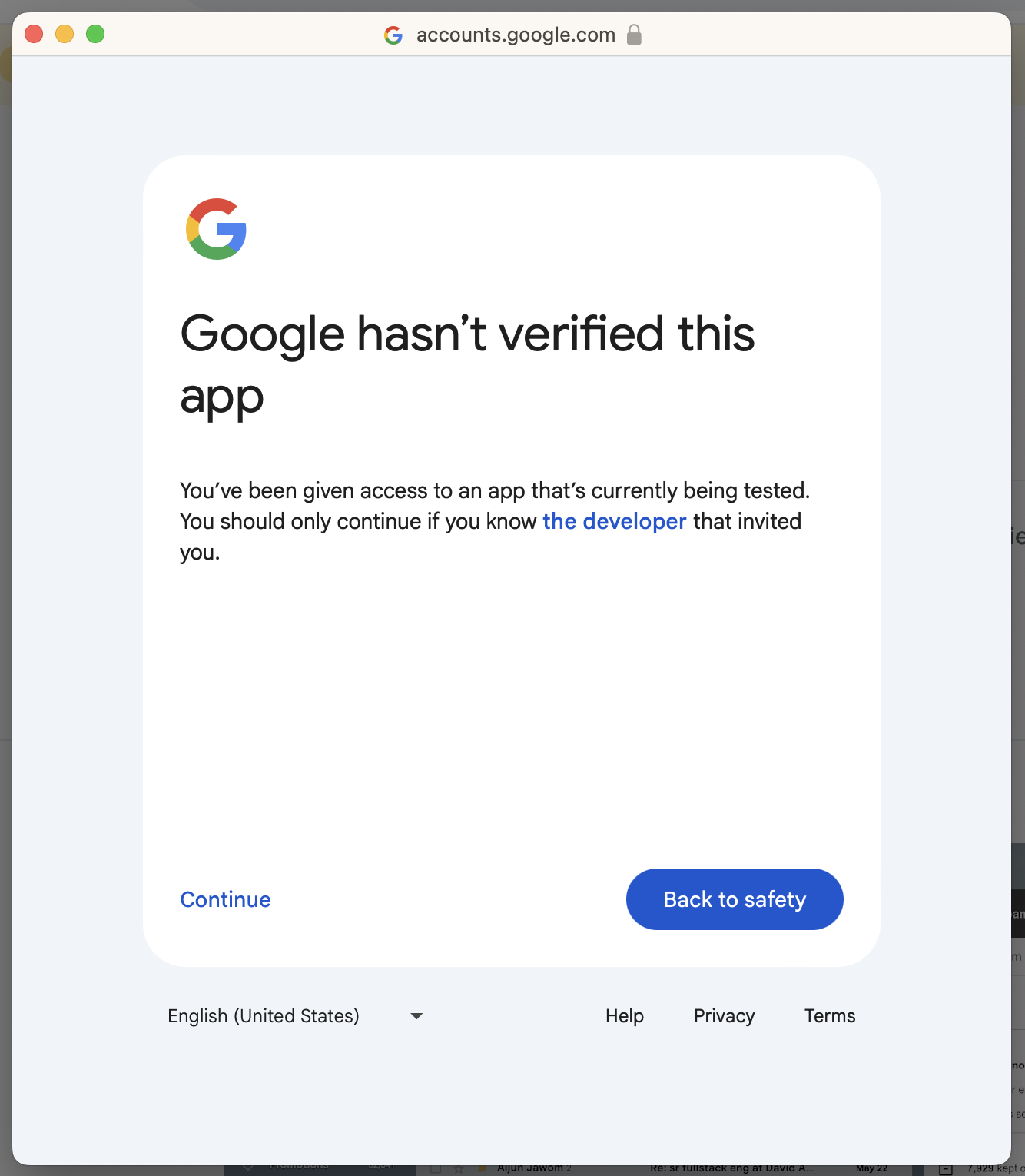
Google requires OAuth verification for apps that request Gmail access. We've submitted for verification. Until it's approved, this warning appears. Click Continue to proceed.
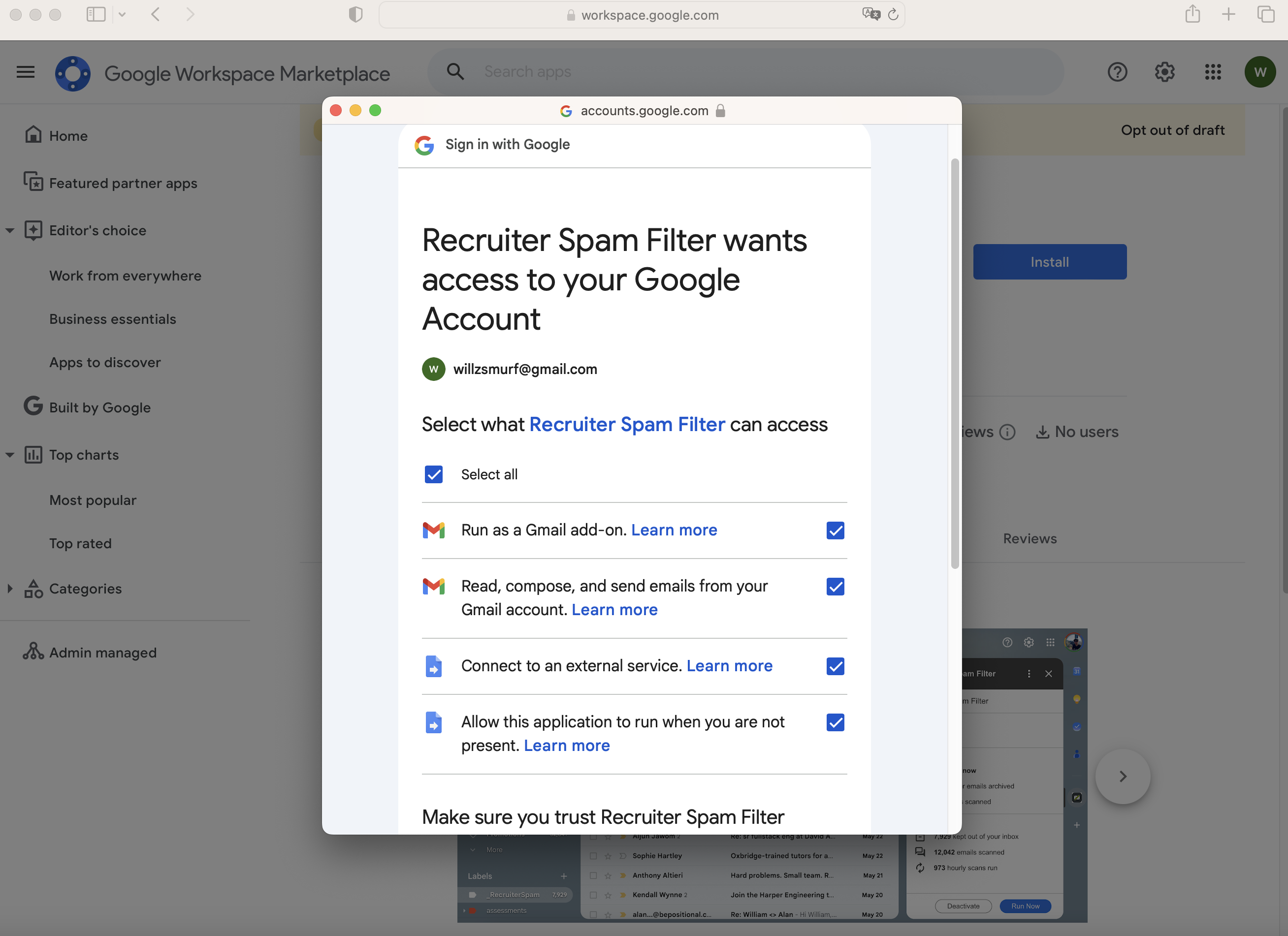
Google will show you exactly what the add-on can access. All permissions are required for the add-on to work. Click Allow.
You'll see a confirmation screen. Click Done, then open Gmail.
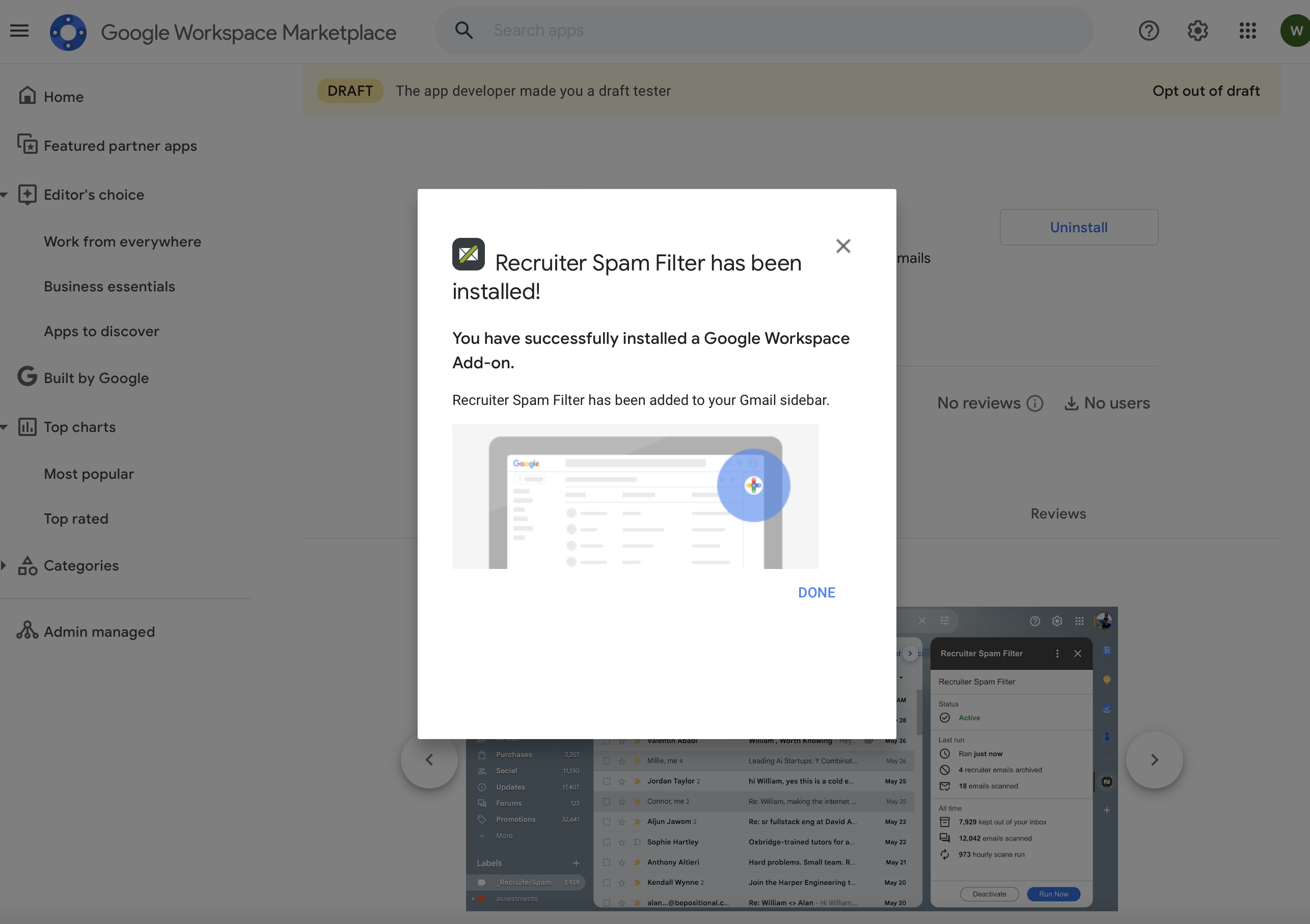
In Gmail, look for the Recruiter Spam Filter icon in the right sidebar. Click it to open the panel, then click the Activate button at the bottom.
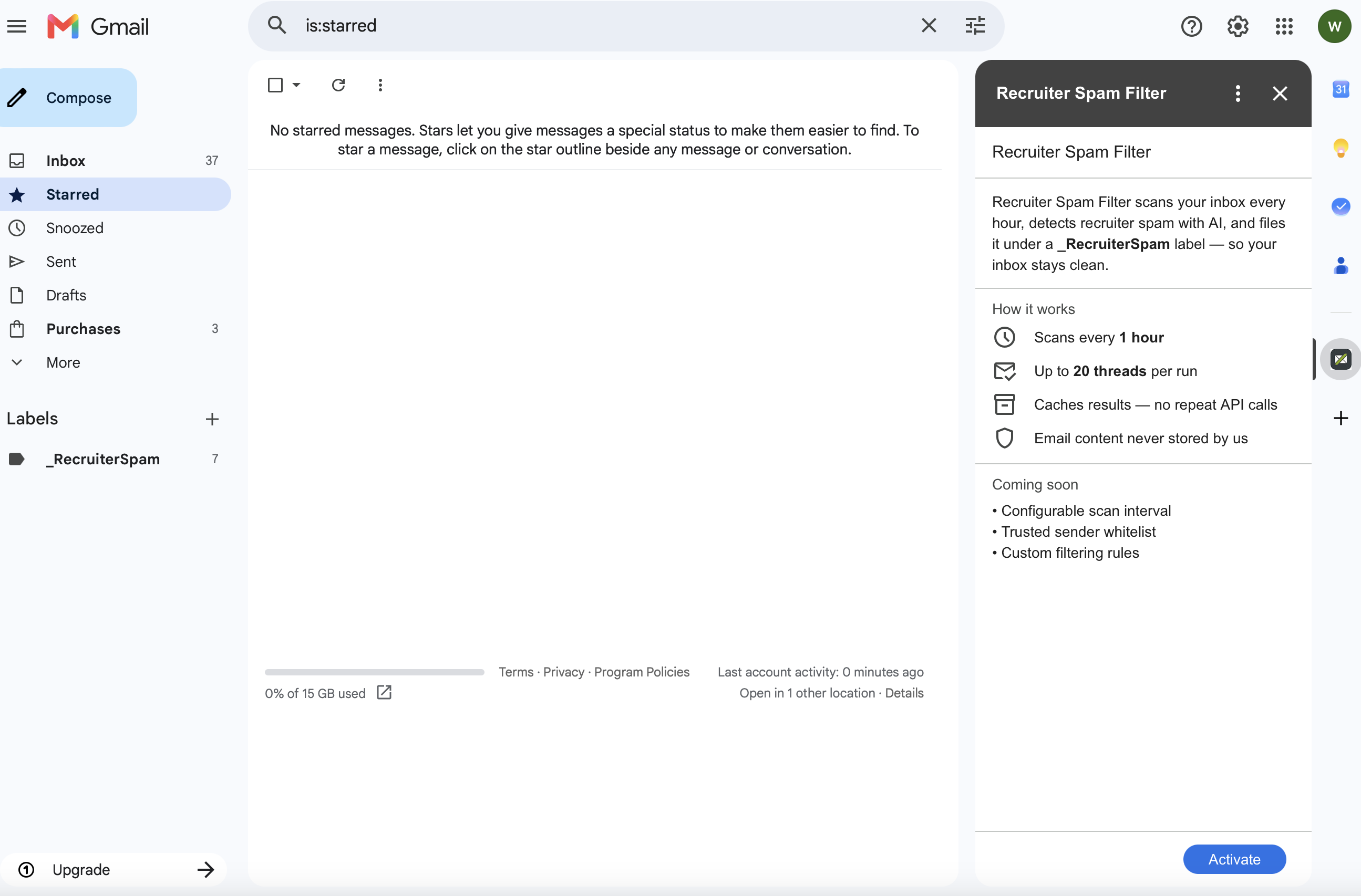
Click the + at the bottom of Gmail's right sidebar to browse installed add-ons and pin it.
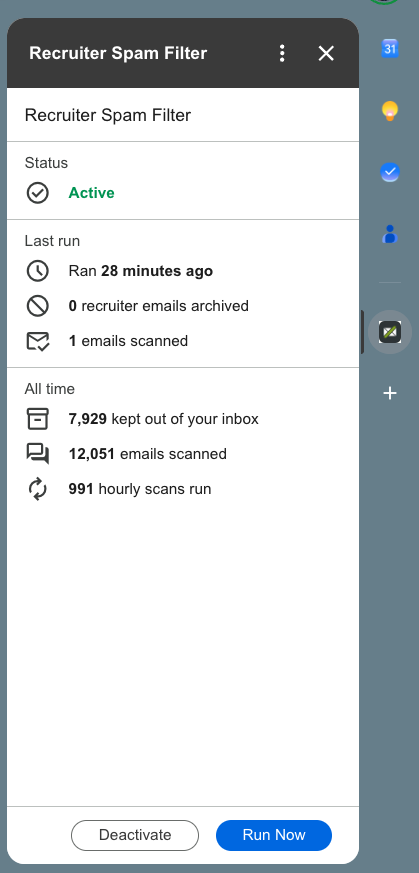
After activating, the sidebar shows your status and stats. Hit Run Now to trigger an immediate scan — you'll see a toast showing how many recruiter emails were archived.
While the app is pending Google verification, you may need to re-authorize every ~7 days. We're working on getting verified to remove this step permanently.
Something not working?
Open an issue on GitHub and we'll help you out.